
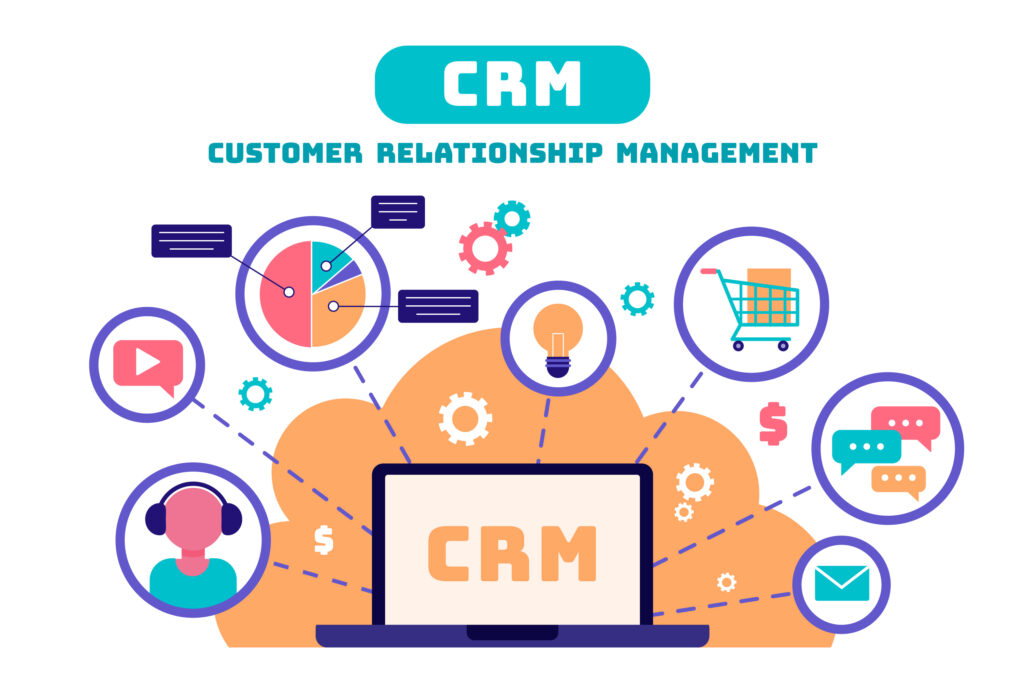
CRM automation is no longer a luxury—it’s a necessity for businesses aiming to grow without burning out their teams. By combining personalization, efficiency, and insight, an automation CRM enables smarter, faster, and more scalable customer engagement. Ready to implement one? Whether you’re using Zoho, HubSpot, Salesforce, or a custom-built CRM, the key is to automate intentionally, not blindly.
In today’s fast-paced digital economy, managing customer relationships manually can become chaotic and inefficient. That’s where Automation CRMs step in — blending the power of data with intelligent automation to transform how businesses attract, retain, and engage customers. Whether you’re a small business owner or managing a large sales team, an automation CRM can be your secret weapon for scaling growth efficiently.
🚀 Top Features of an Automation CRM
- Lead Capture & Auto-Assignment
Automatically capture leads from web forms, emails, ads, and social media. Route them to the right sales rep based on territory, product interest, or behavior. - Email, SMS, and WhatsApp Campaign Automation
Create personalized drip campaigns that nurture leads based on their engagement and funnel stage. Schedule bulk emails or messages effortlessly. - Sales Pipeline Management
Visual dashboards that track deals by stage, value, and source, helping you prioritize high-conversion opportunities. - Behavior-Based Triggers
Automate follow-ups, task assignments, and notifications based on user actions like link clicks, email opens, or website visits. - Task and Workflow Automation
Automate repetitive tasks like follow-up reminders, meeting scheduling, and customer onboarding using workflows. - Customer Segmentation
Dynamically group your customers based on behavior, demographics, purchase history, or custom tags. - Analytics & Reporting
Real-time dashboards to track lead sources, sales performance, marketing ROI, and customer journey. - Third-Party Integrations
Seamlessly integrates with tools like Google Workspace, Zoom, Shopify, WhatsApp Business API, Mailchimp, and more.
✅ Best Practices to Maximize Your CRM Automation
- Map Out Your Customer Journey
Understand your buyer’s path and automate touchpoints accordingly — from awareness to conversion and retention. - Start Simple, Scale Gradually
Begin with basic automation (e.g., welcome emails, lead assignment) and scale up to complex workflows over time. - Maintain Data Hygiene
Regularly clean your database. Remove duplicates, validate contacts, and archive inactive leads. - Segment & Personalize
Don’t blast the same message to everyone. Use segmentation to deliver tailored content that resonates with different audiences. - Align Sales and Marketing
Ensure both teams use the CRM consistently. Automation is most powerful when there’s unified communication. - Use Analytics to Refine Campaigns
Monitor your automation workflows and tweak subject lines, messaging, or timing for better performance.
🌟 Key Benefits of Using an Automation CRM
- Saves Time and Reduces Human Error
Automating repetitive tasks allows your team to focus on strategy and relationship building. - Improves Lead Nurturing and Conversion Rates
Timely and consistent engagement through automation increases the chances of closing deals. - Enhances Customer Experience
With personalized messaging and timely support, customers feel valued — improving satisfaction and loyalty. - Gives You a 360° Customer View
All interactions, purchases, and preferences are stored in one place, enabling informed decision-making. - Boosts Productivity Across Teams
Sales, marketing, and support teams work more efficiently with centralized data and automated workflows.